Problem Research
The amount of time children are spending outdoors is declining, due in part to children’s tendency towards indoor screen play.
Benefits of outdoor play for children
Physical and Social-Emotional Health
Language and Communication
Cognition and Academic Learning
"Todays children are spending half the time playing outside than their parents did"
(Scott et al. 2022)
"Todays children are spending half the time playing outside than their parents did"
(Scott et al. 2022)
Given children are attracted to technology, how can we facilitate a child's connection to nature, family, and their senses in an age appropriate and engaging way?
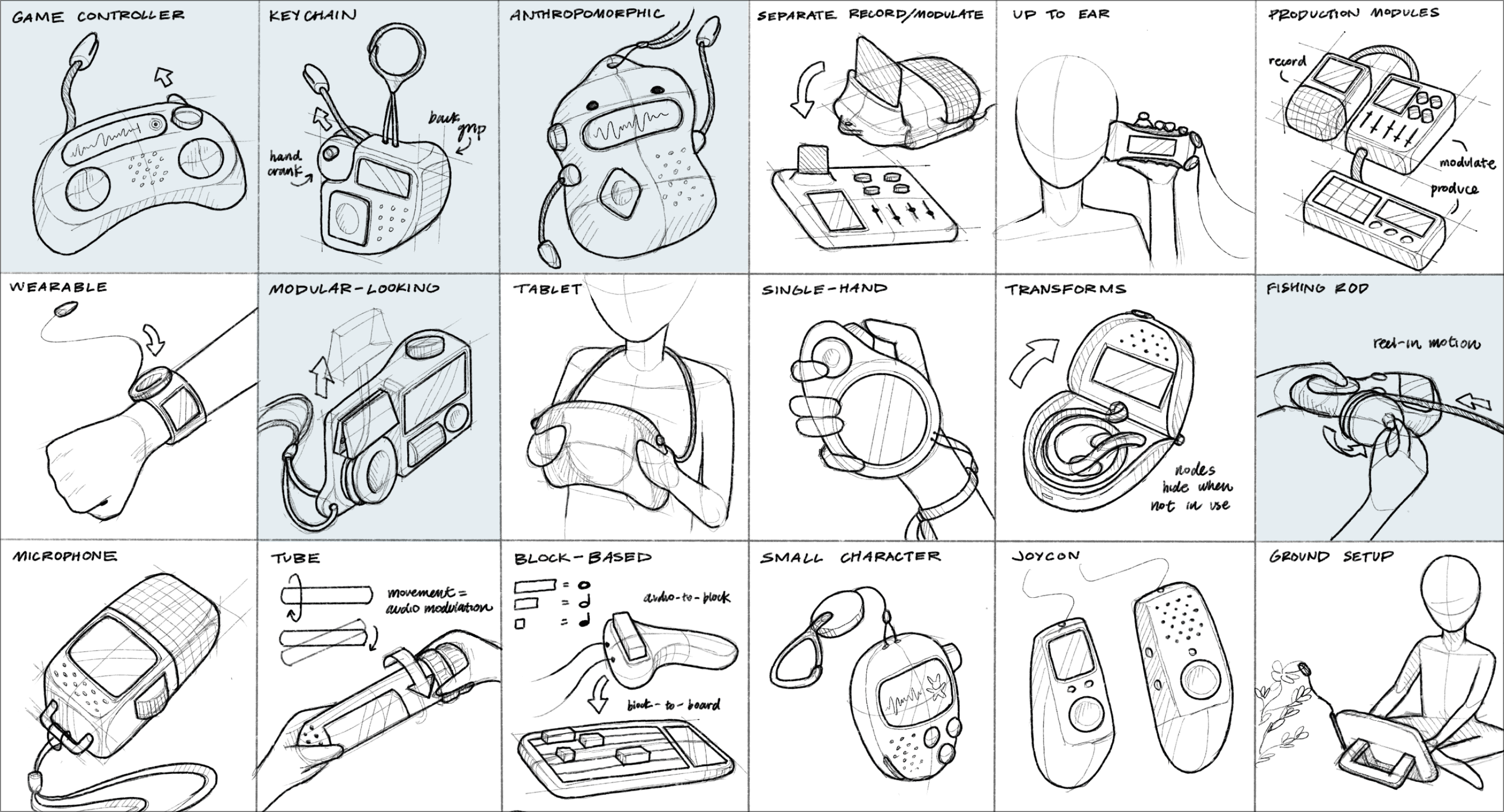
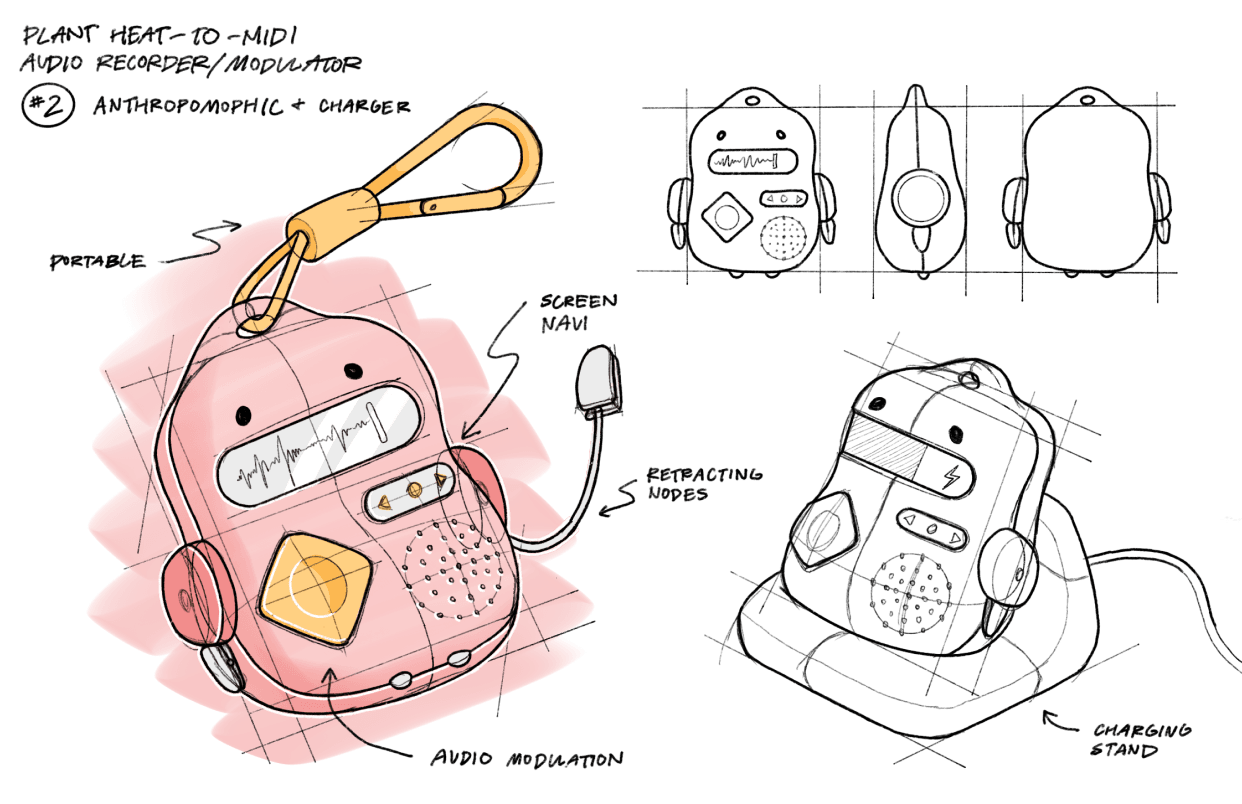
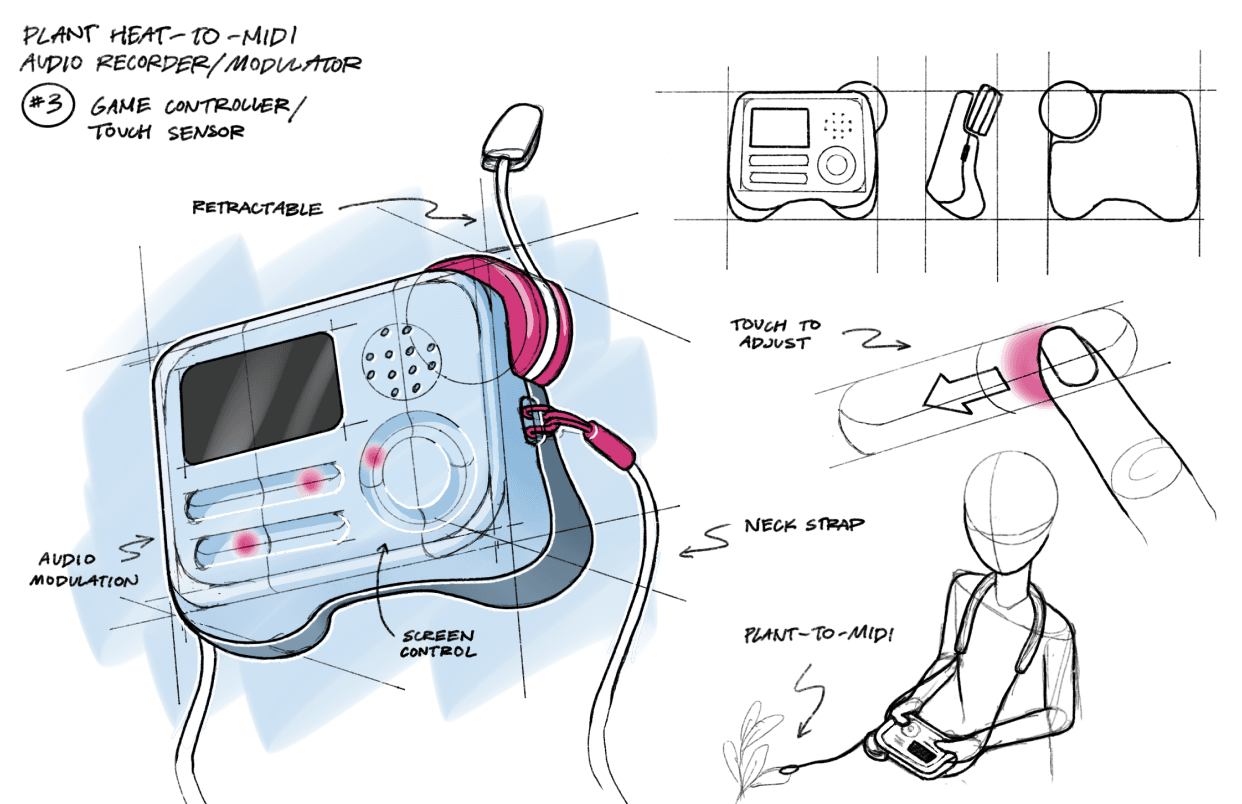
Sketch Ideation
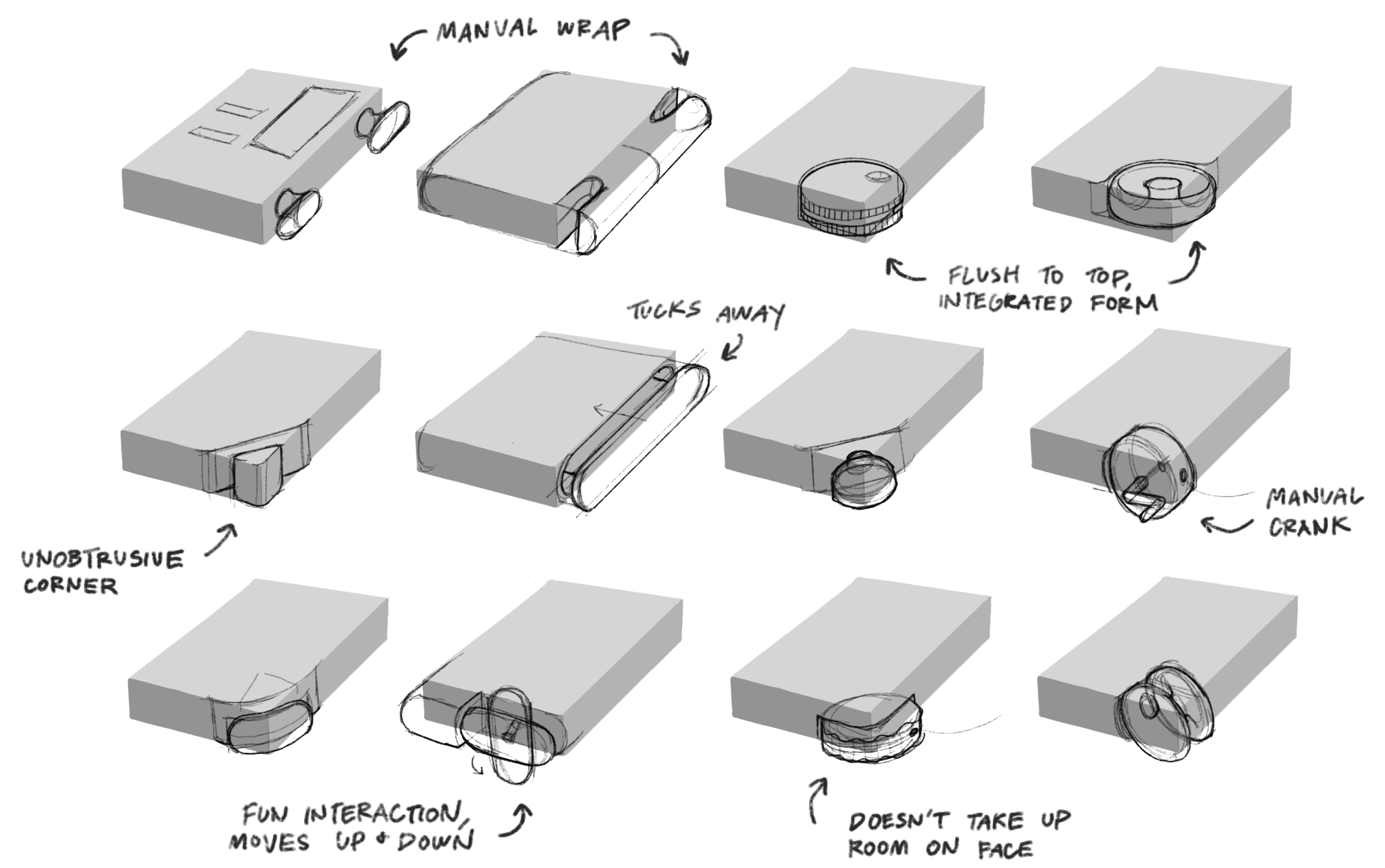
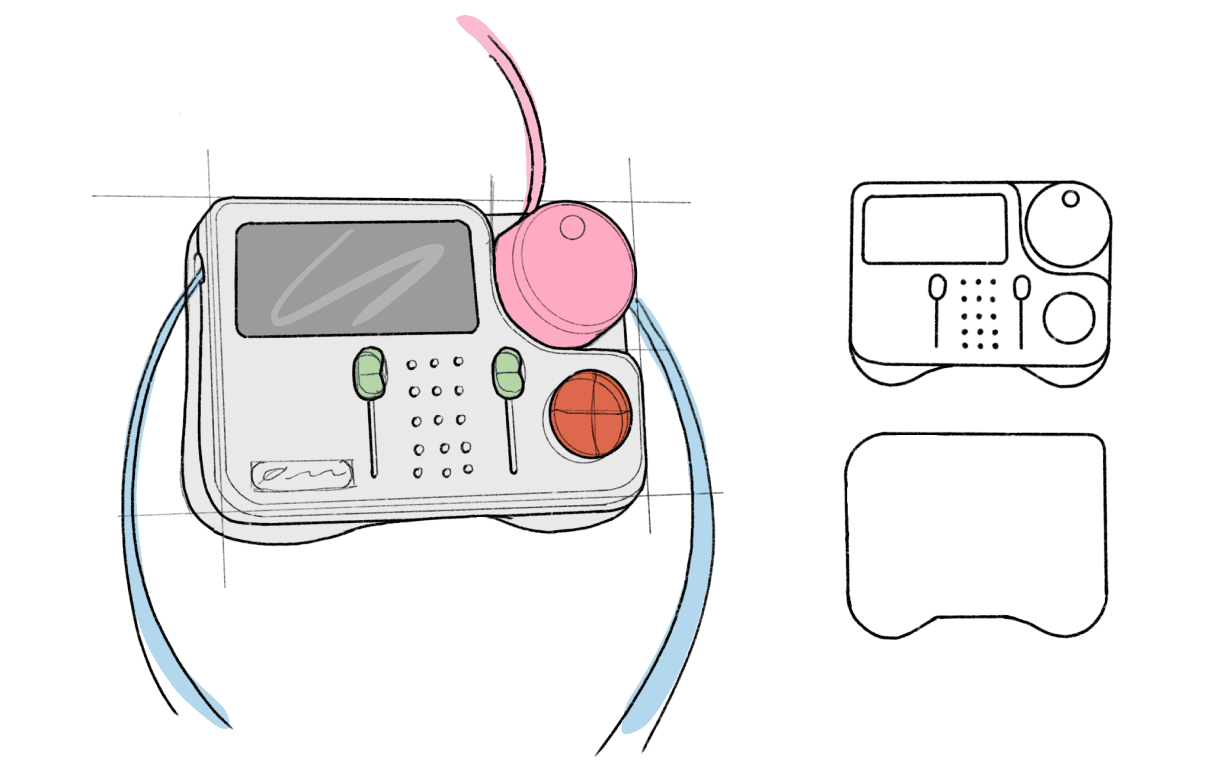
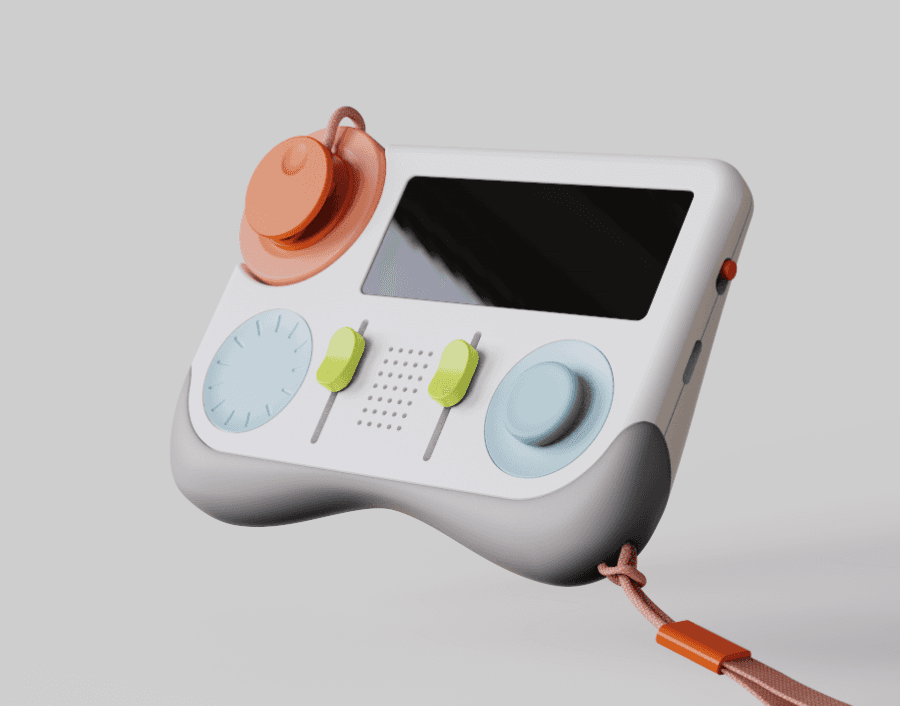
Designed with consideration to portability, modulator interaction, heat node interaction, form interaction, and playfulness
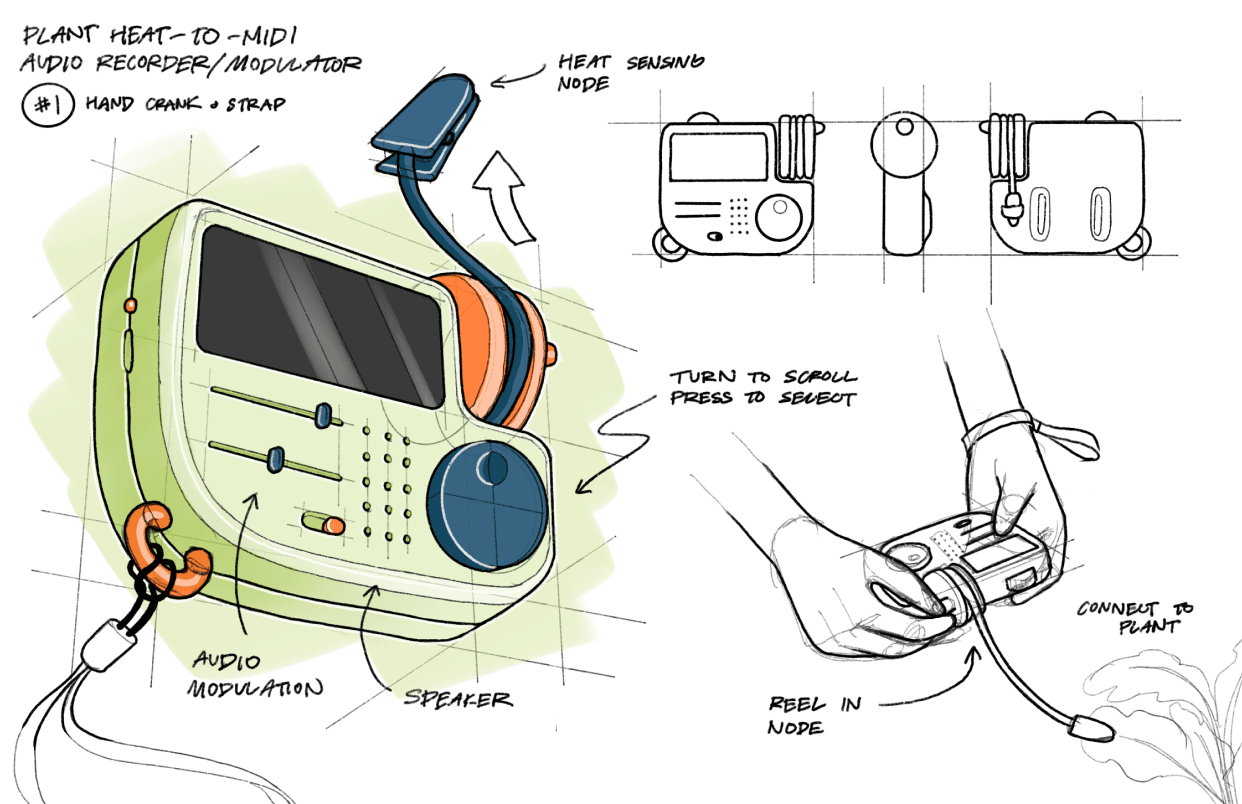
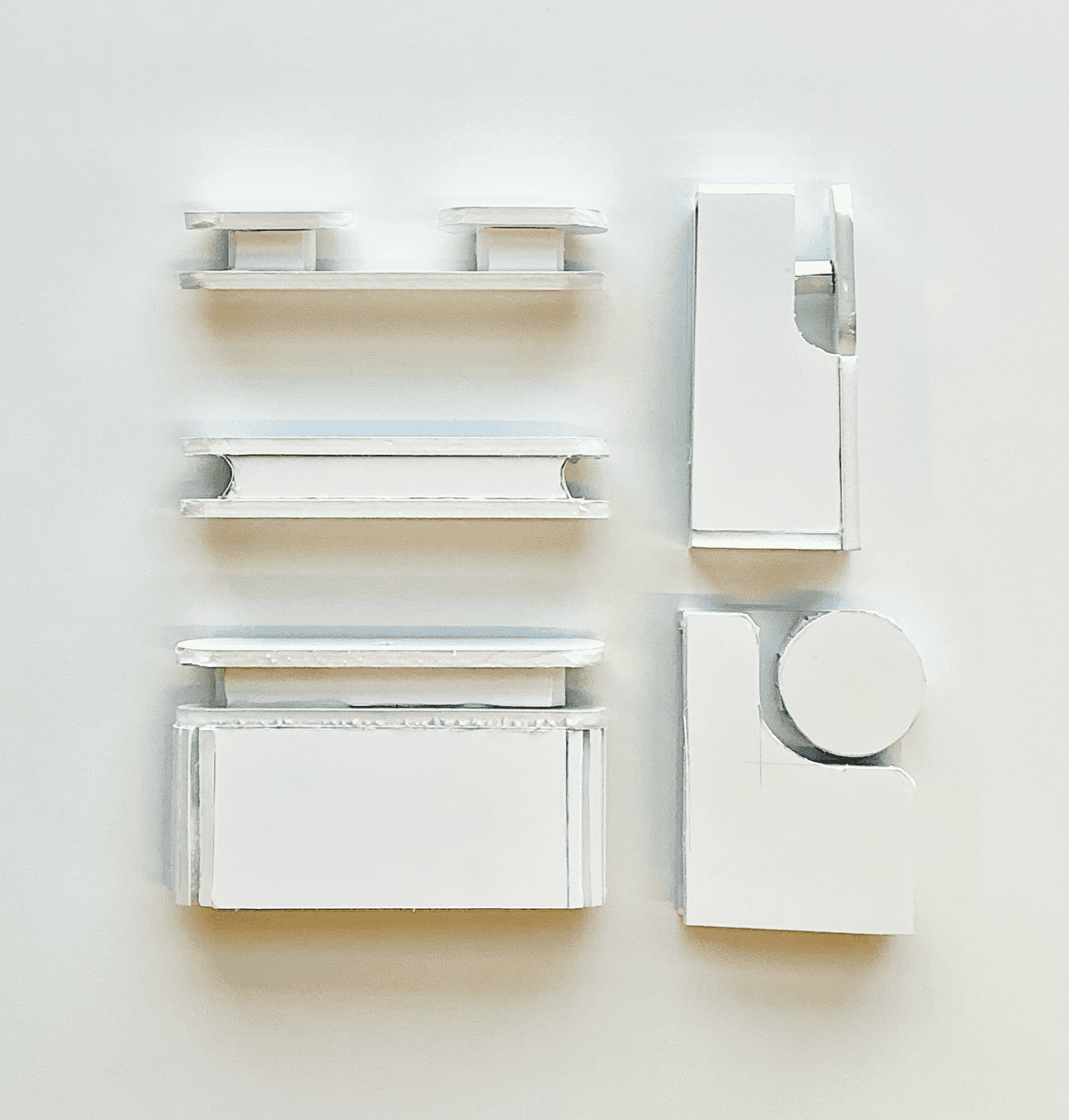
Final Form Directions
Subtle Controller
Pros:
Comfortable grip
Fun design
Wires tucked away
Cons:
Screen separated from screen control knob
Asymmetric top fillets look awkward from underneath
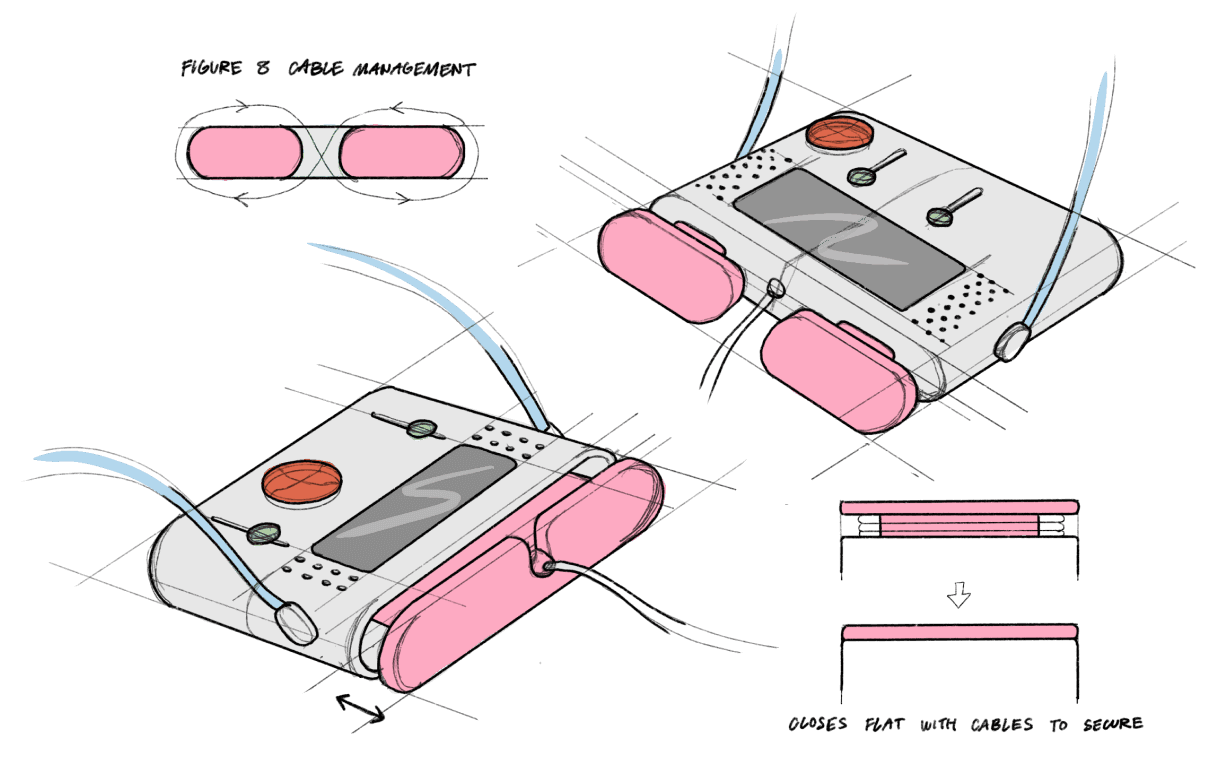
Manual Wire Wrap
Pros:
Centered Screen
Wires tucked away
Pros:
Centered Screen
Wires tucked away
Cons:
Wires bend harshly
Kids may leave wires loose
Tucked in wires would add bulk to form
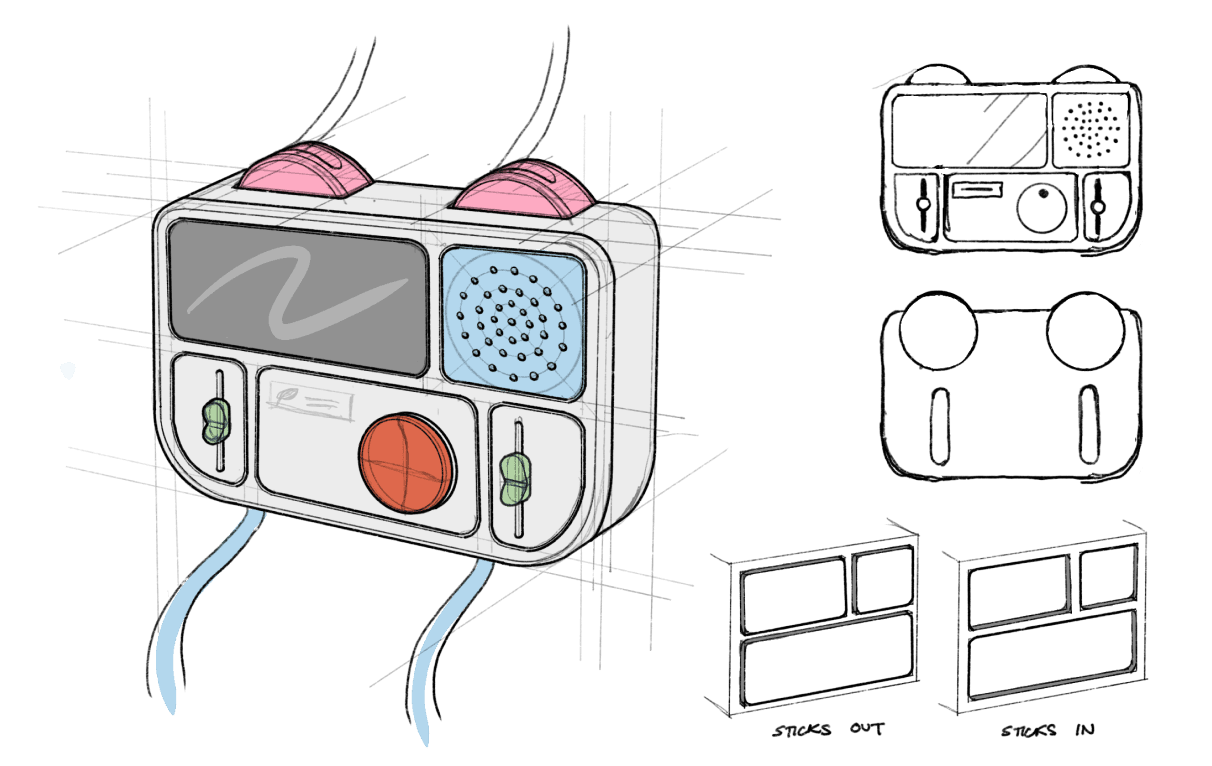
Surface Modules
Pros:
Comfortable bottom
Fun silhouette + surface design
Lots of room for wires
Pros:
Comfortable bottom
Fun silhouette + surface design
Lots of room for wires
Cons:
2 wire knobs takes up electronics space
“Modules” makes form larger
Cons:
2 wire knobs takes up electronics space
“Modules” makes form larger
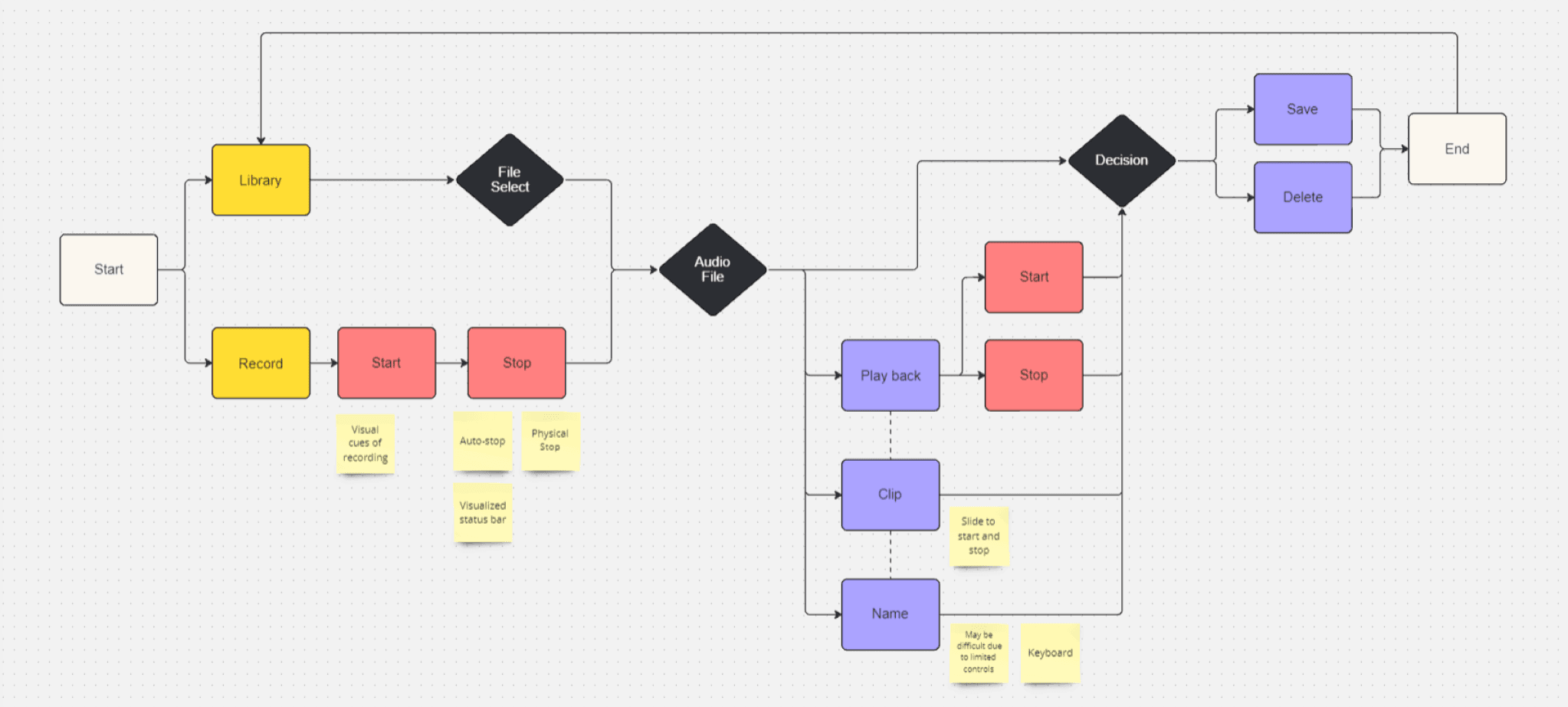
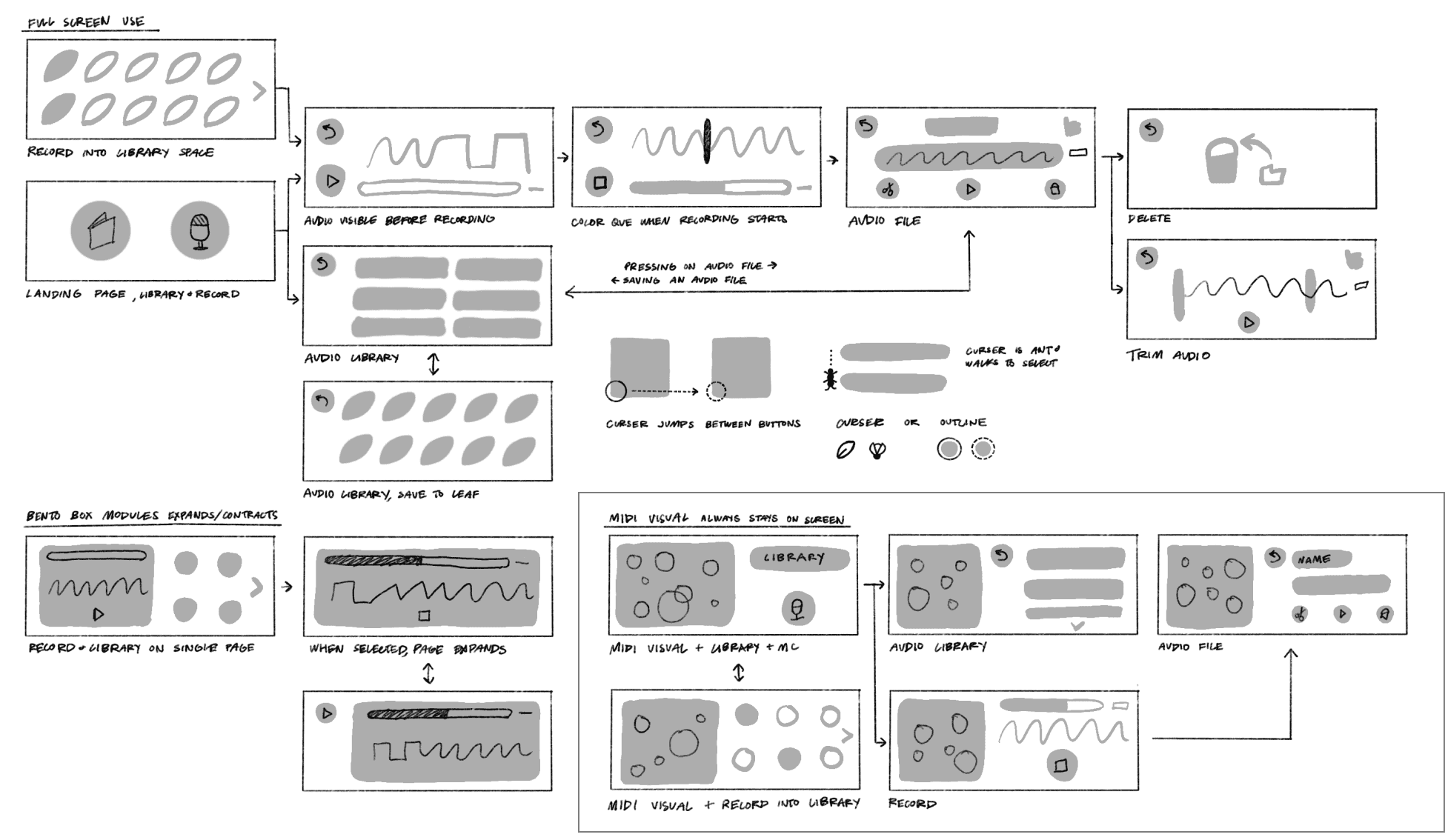
Interface Ideation
Understanding user flow from start to end
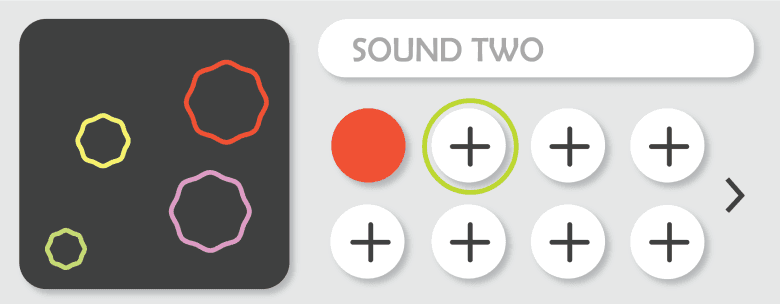
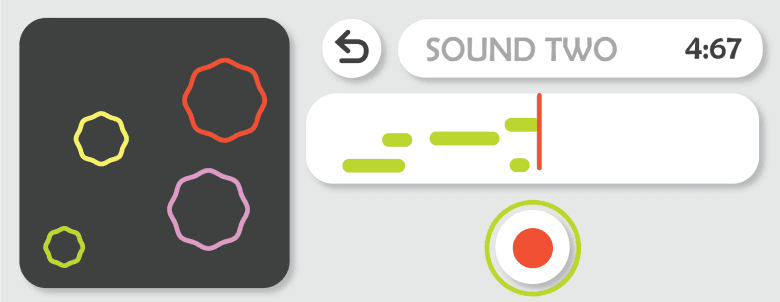
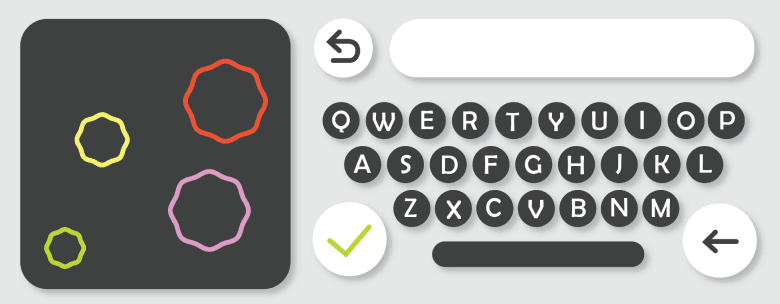
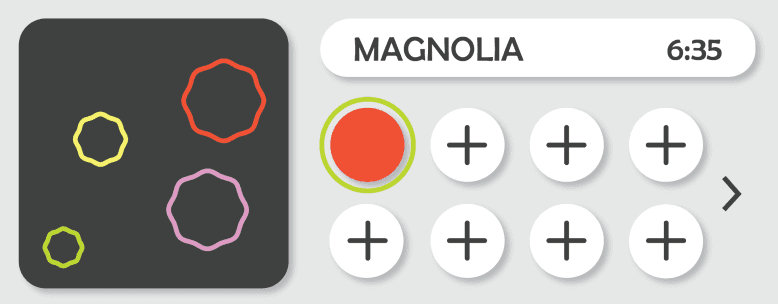
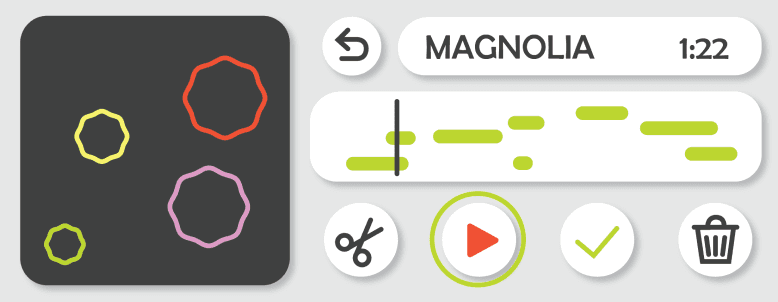
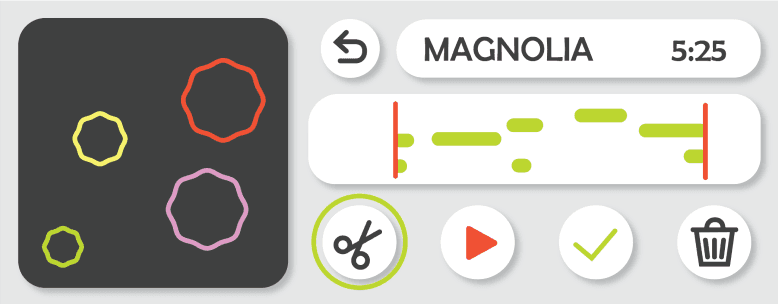
First Interface Draft
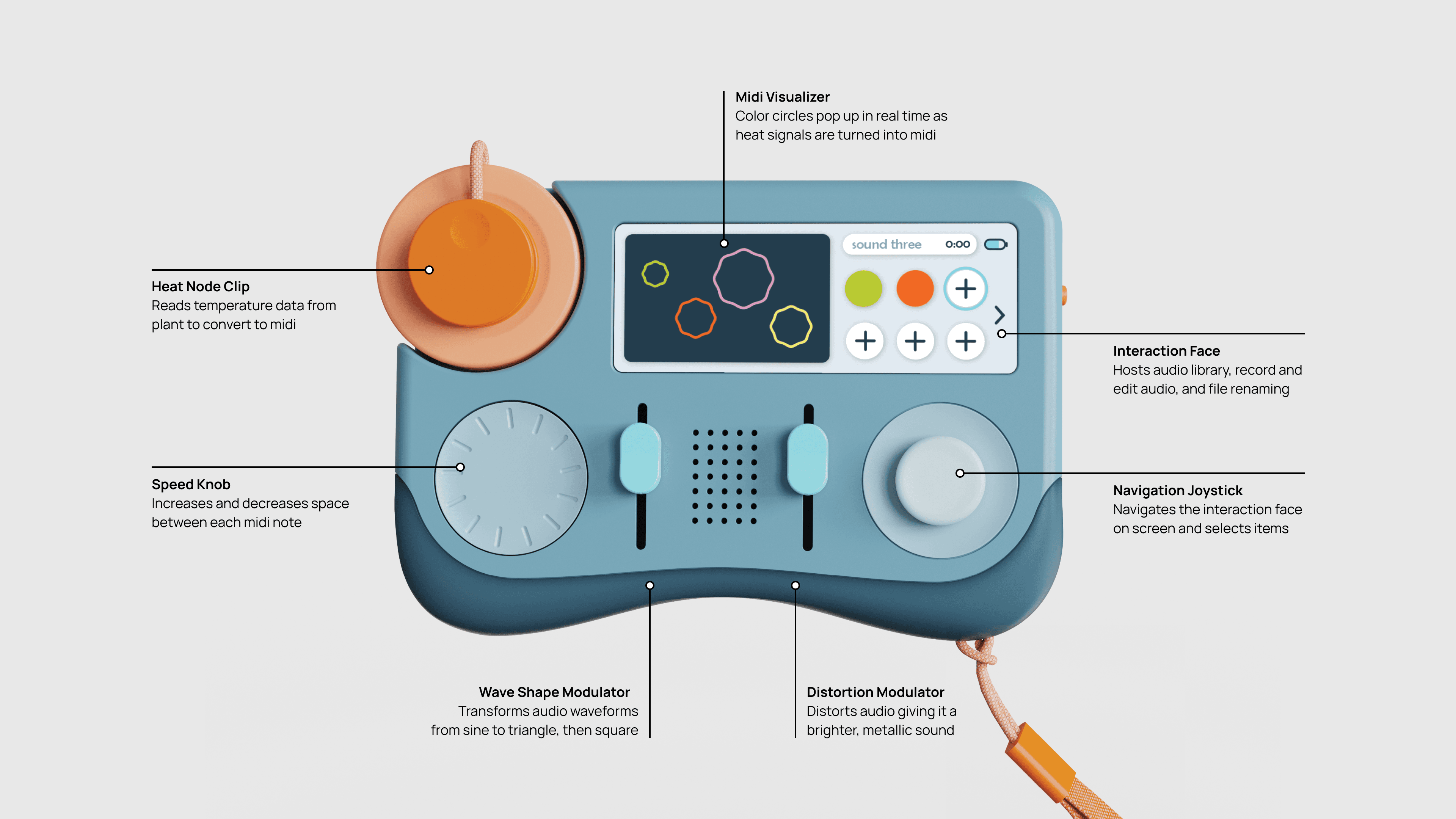
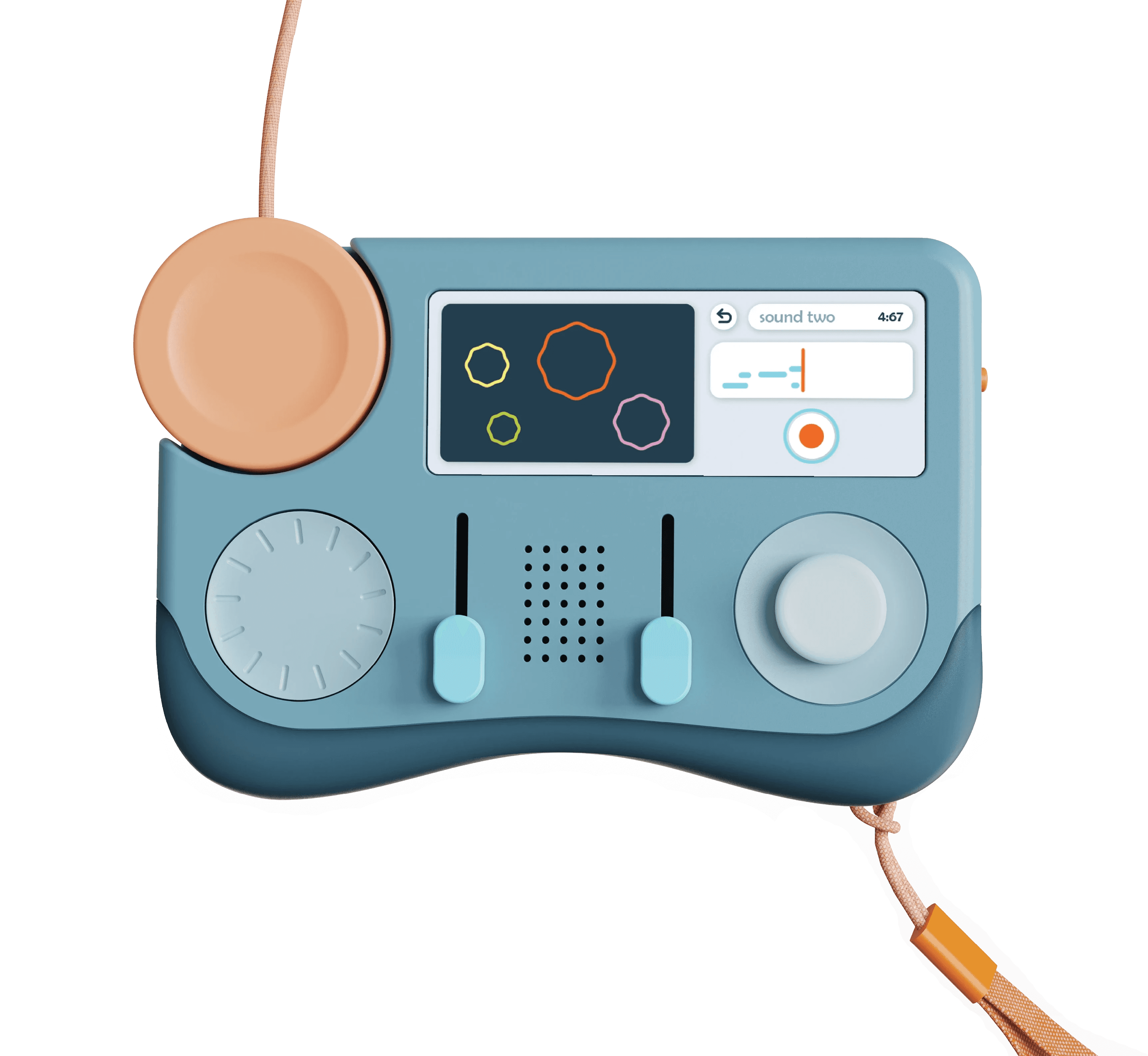
Left: Static Midi Visualizer
Visually shows produced midi in real time
Modulations made to midi will change the form of the circles
Always visible and stays on one side of screen
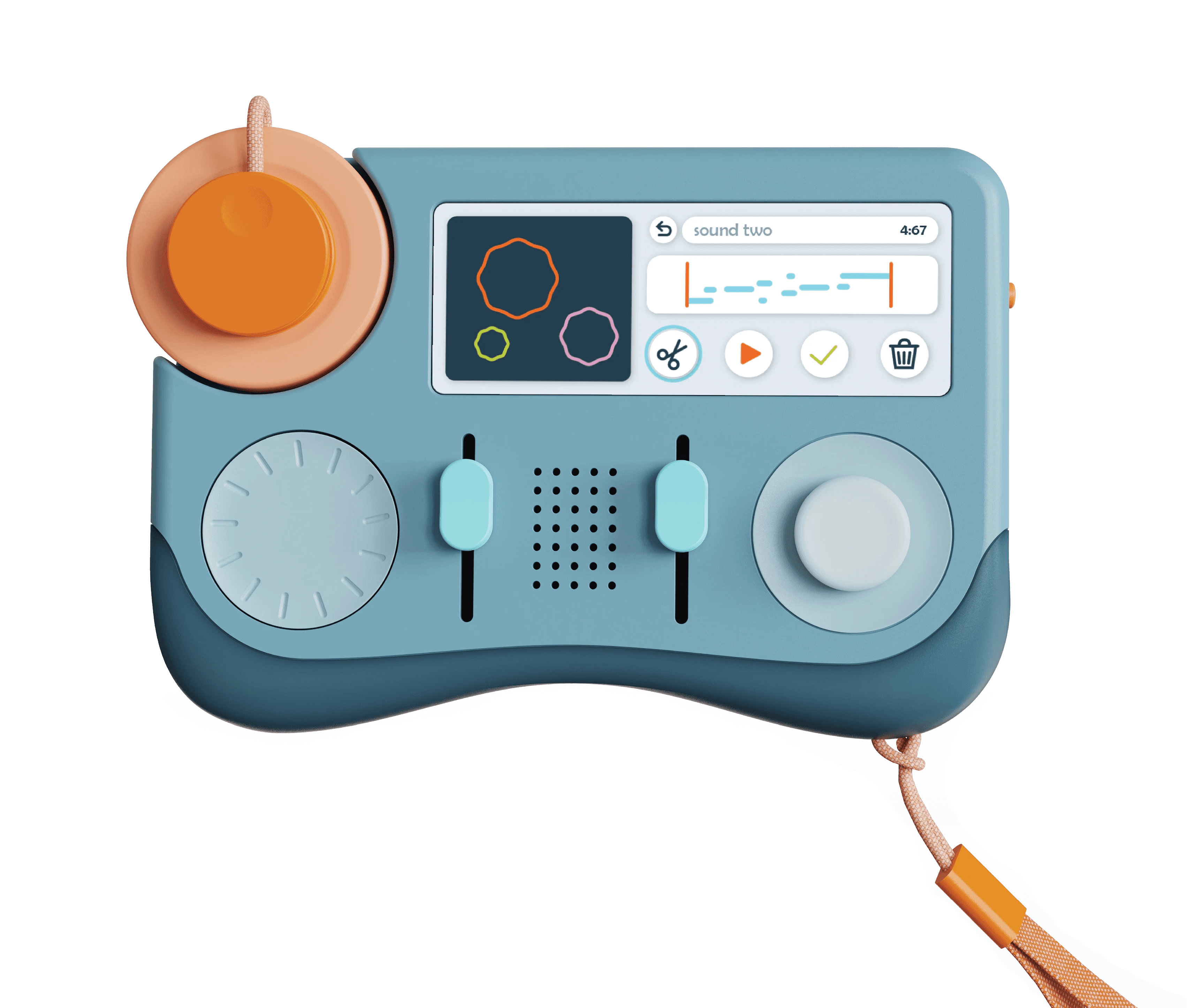
Right: Active Interaction Face
Navigated by user
Recording, editing, renaming, saving, and deleting
Heat-to-midi Process
Step 1:
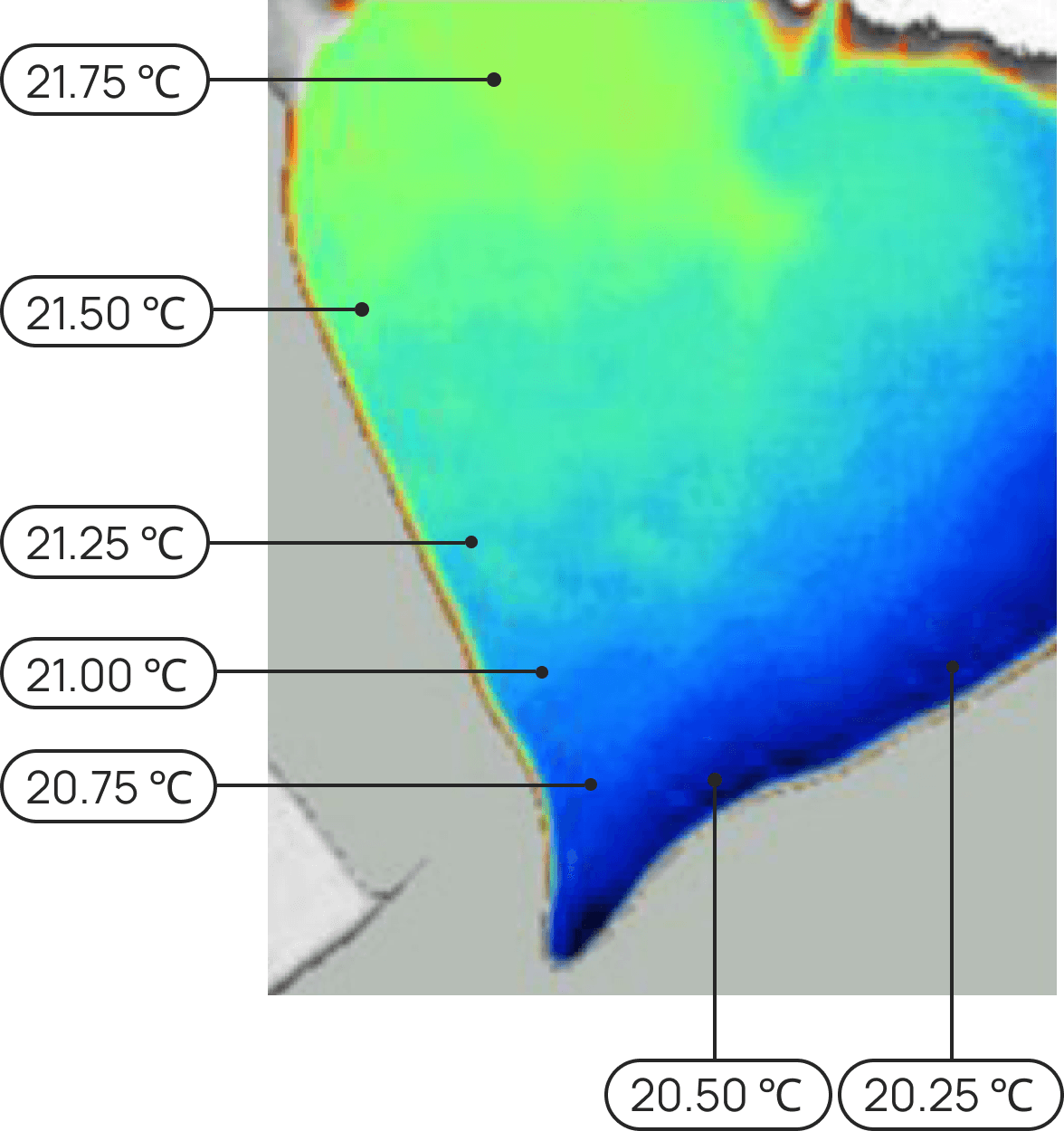
Measure plant surface temperatures
Step 1:
Measure plant surface temperatures
Step 2:
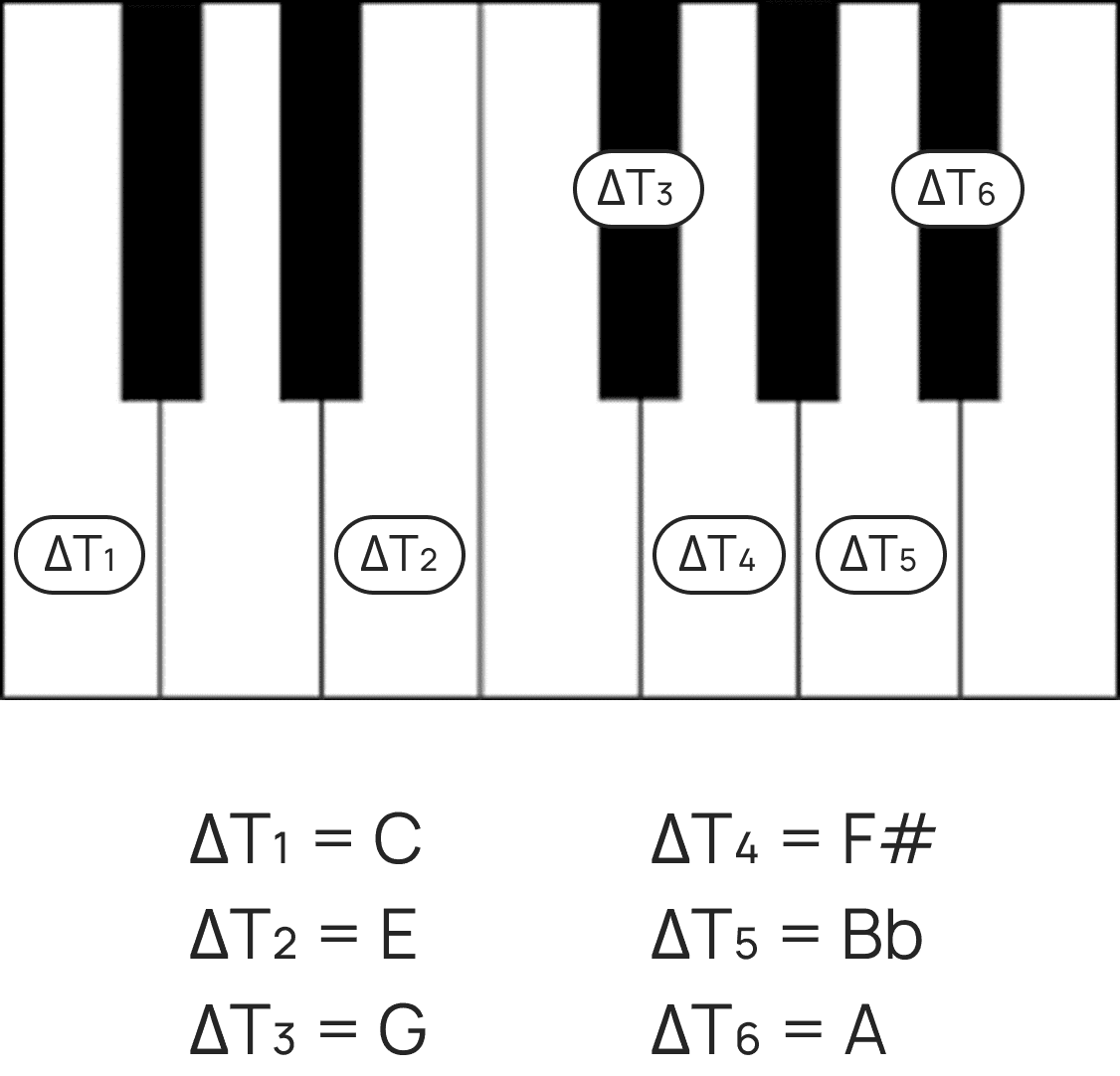
Map changes in temperature to notes
Step 3:
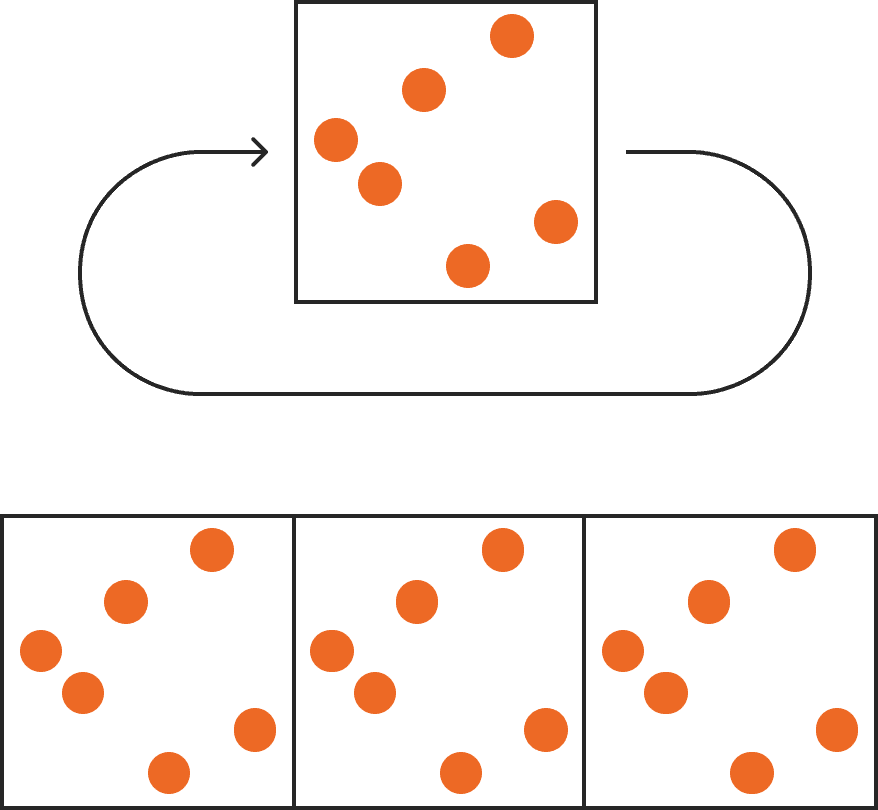
Loop notes to create a melody
Exploration
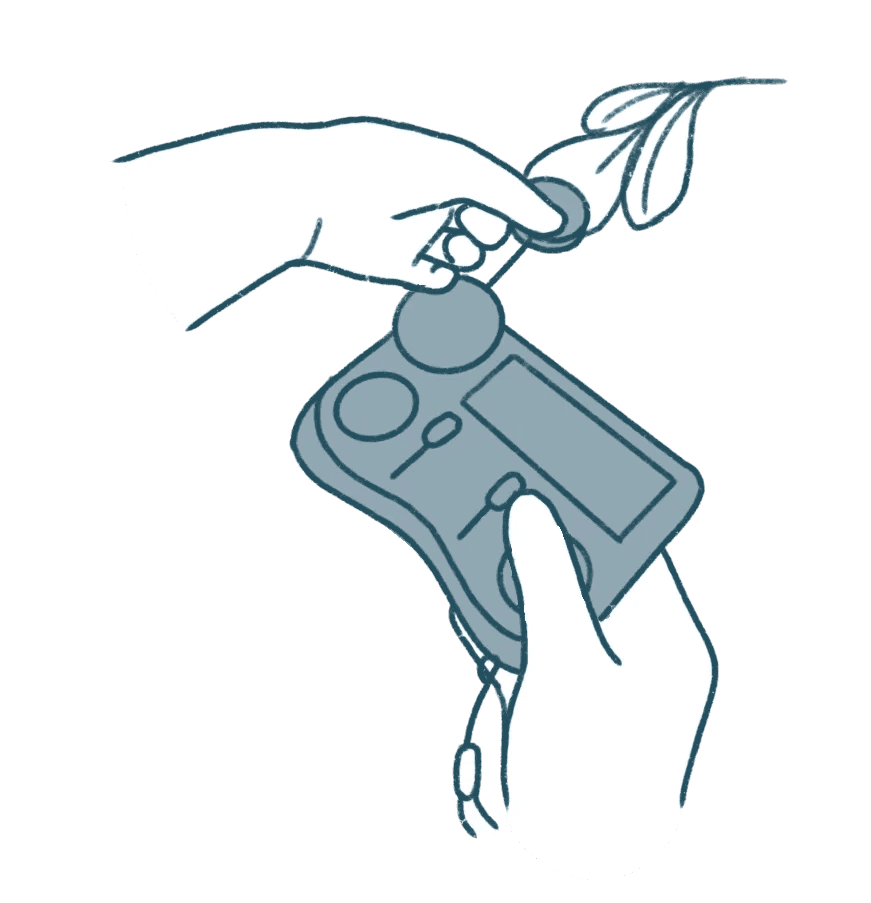
1. Grab onto zipblip
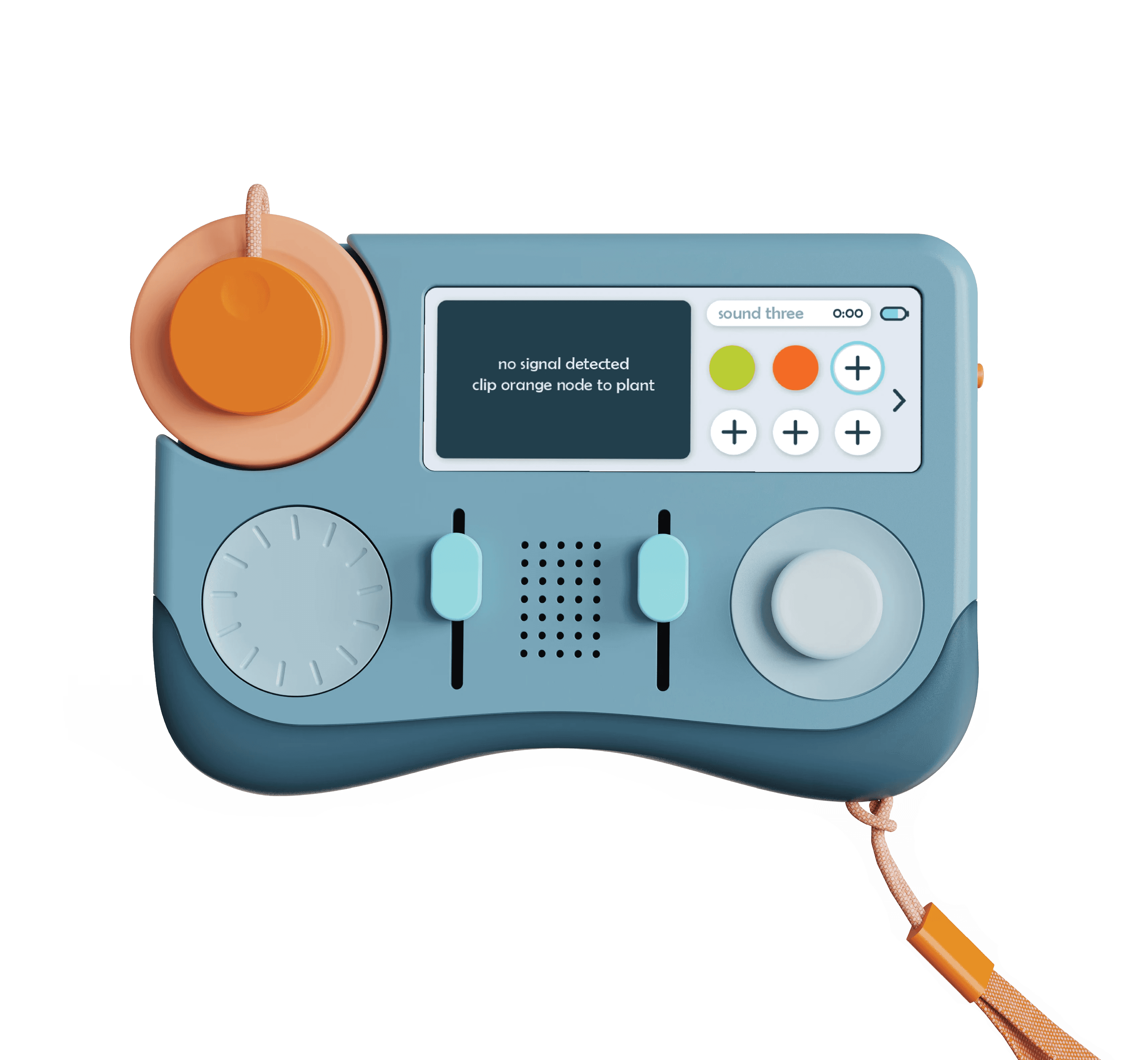
2. Look for plants to connect to
Connect to Plant
1. Connect orange sensor node to plant
2. Listen to the midi produced by each plant
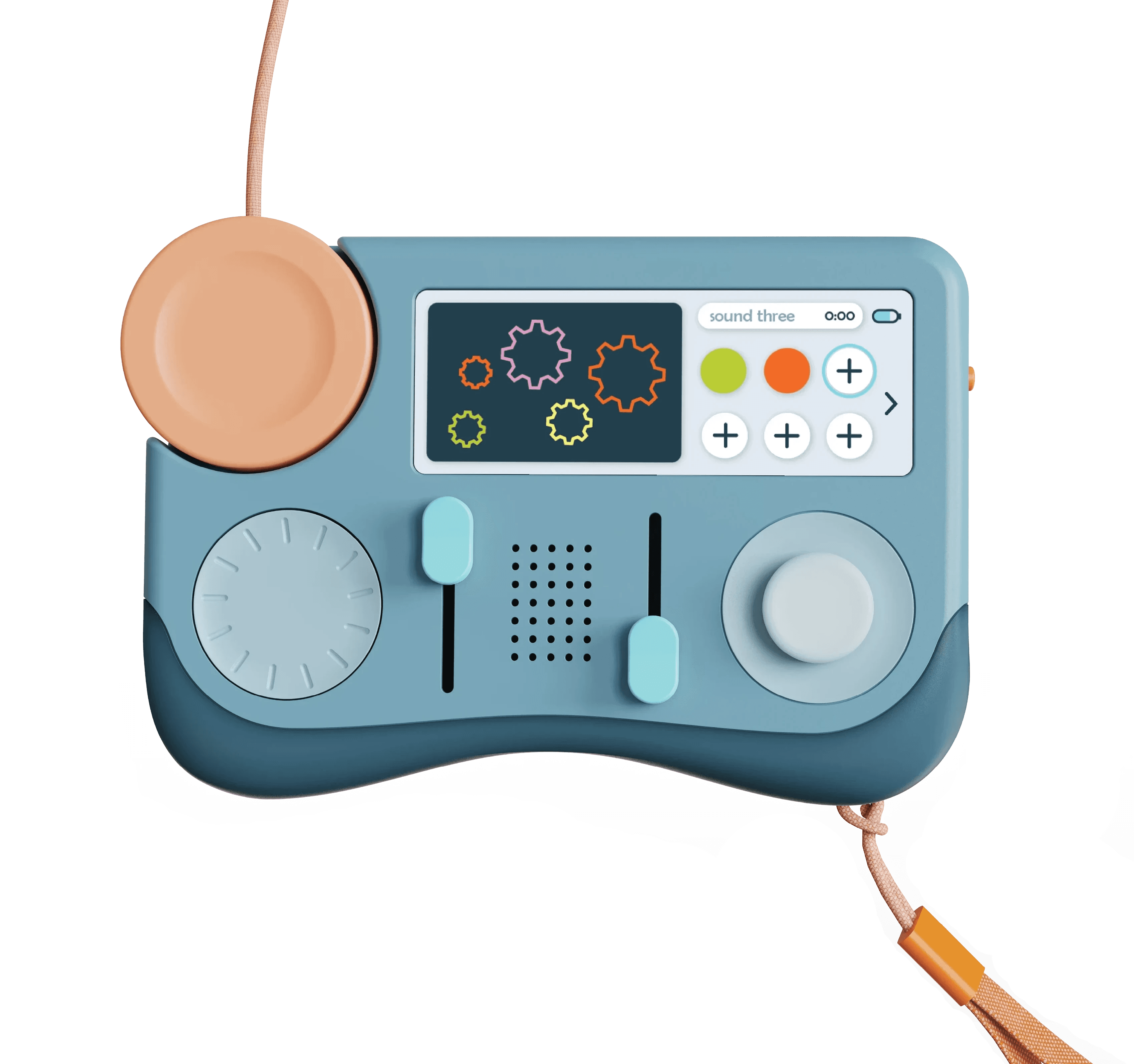
Modulate Wave Shape
1. Move up the left slider
2. Listen to how the audio is harsh and buzzy
Triangle Wave
bright + breathy
Triangle Wave
bright + breathy
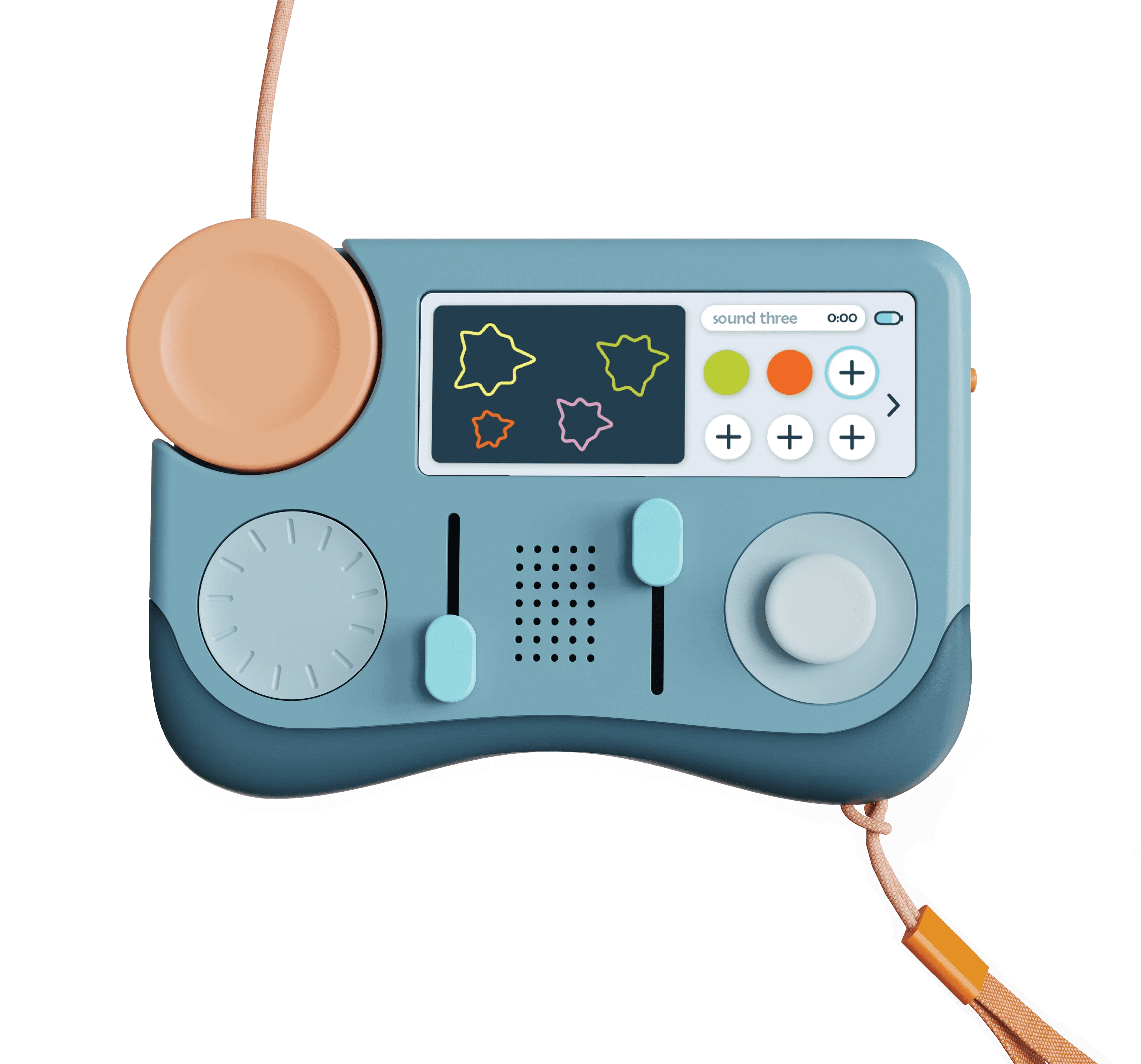
Distort Midi Audio
1. Move up the right slider
2. Listen to how the audio is bright and metallic
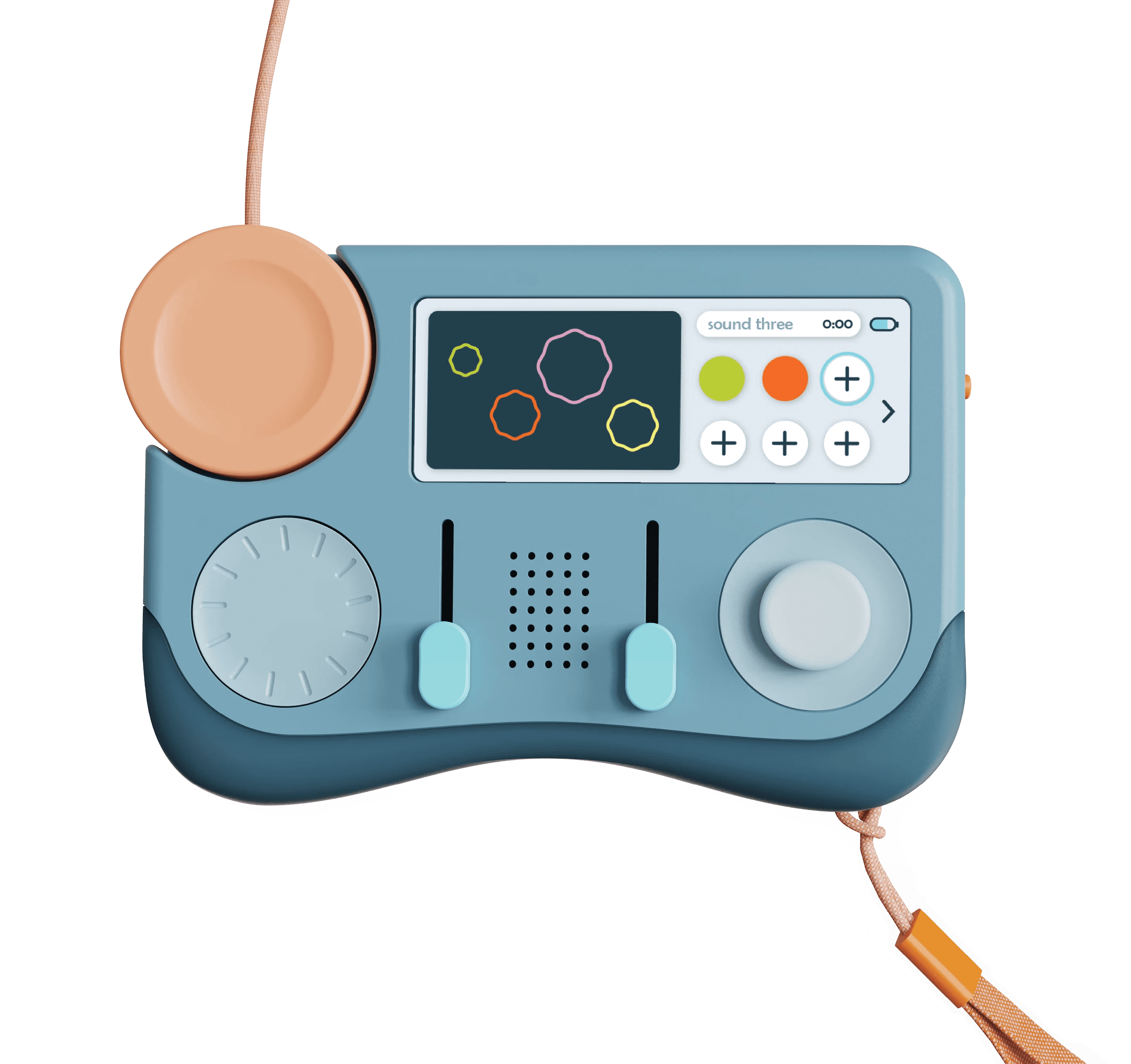
No Distortion
smooth + open
Low Distortion
sharp + rough
High Distortion
bright + metallic
Record
1. Record up to 10 seconds for each audio clip
2. Record all modulation of audio
Edit and Save
1. Clip audio to your preference and play
2. Rename audio clips
3. Save to library or delete off of device
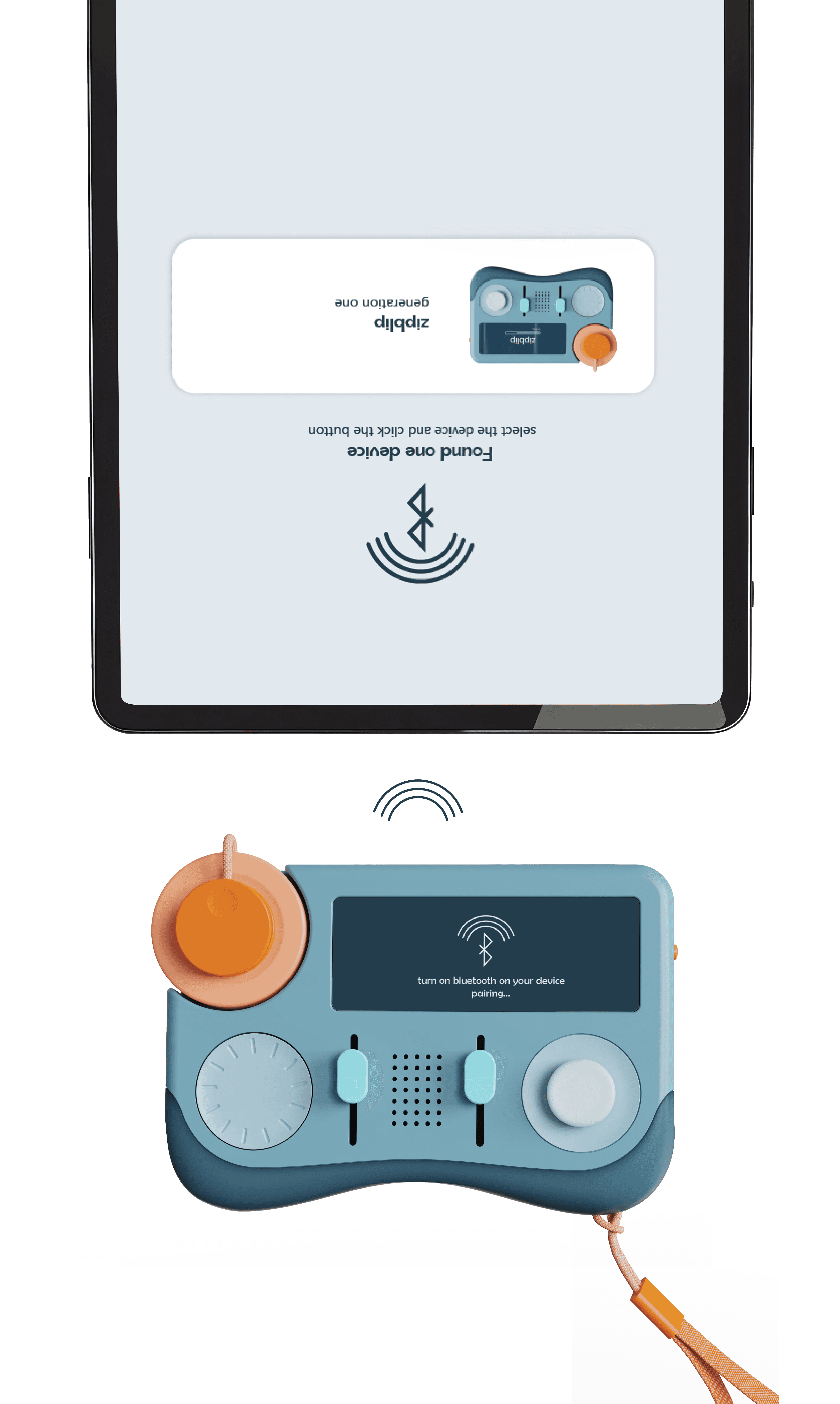
Output to Device
1. Press + hold on on/off switch
2. Connect via Bluetooth
2. Upload audio onto connected device
3. Edit + produce on connected device with connected audio
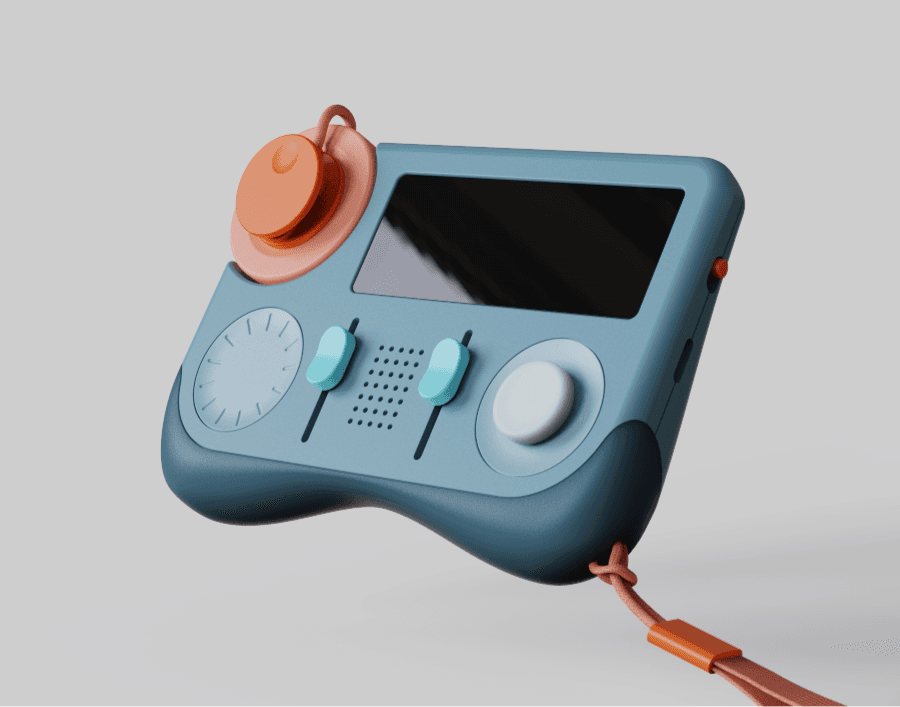
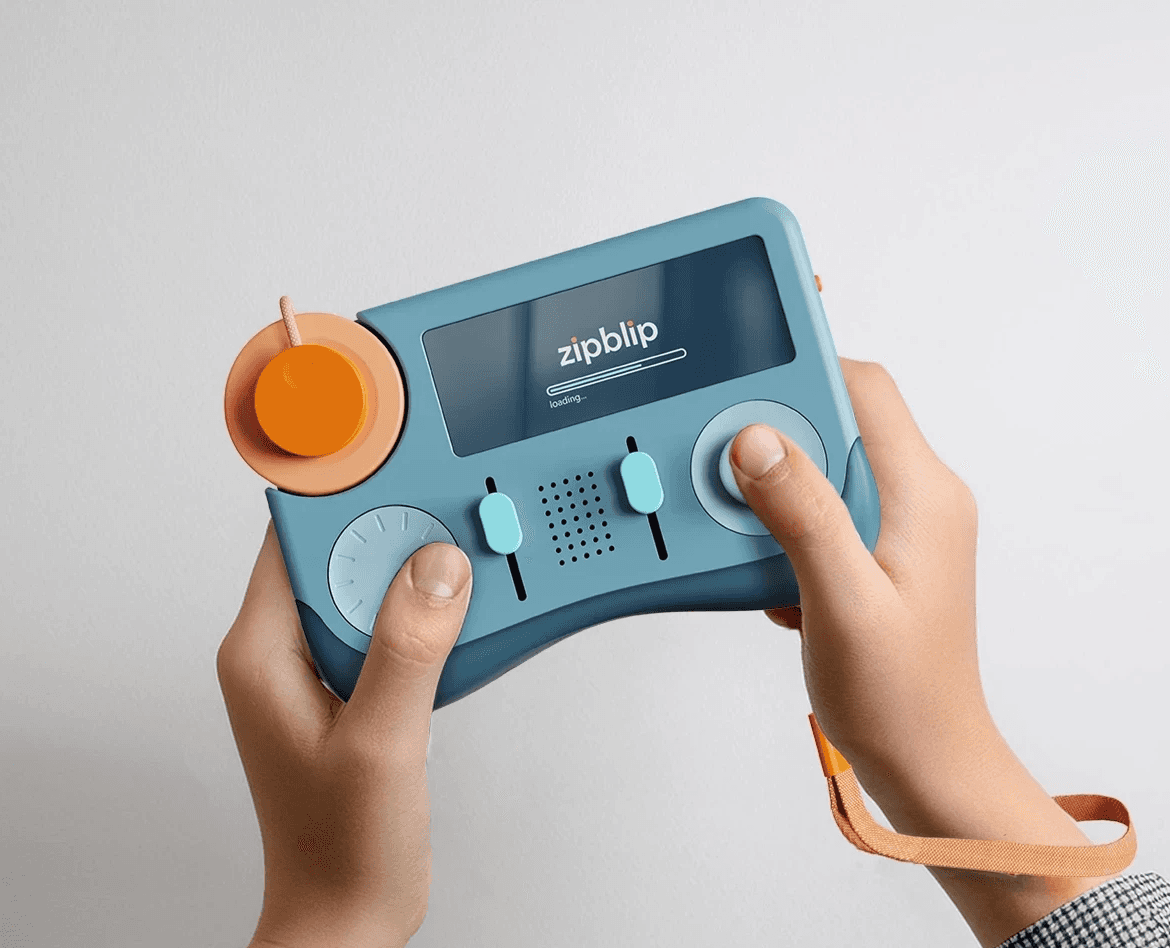
Ergonomics and Comfort
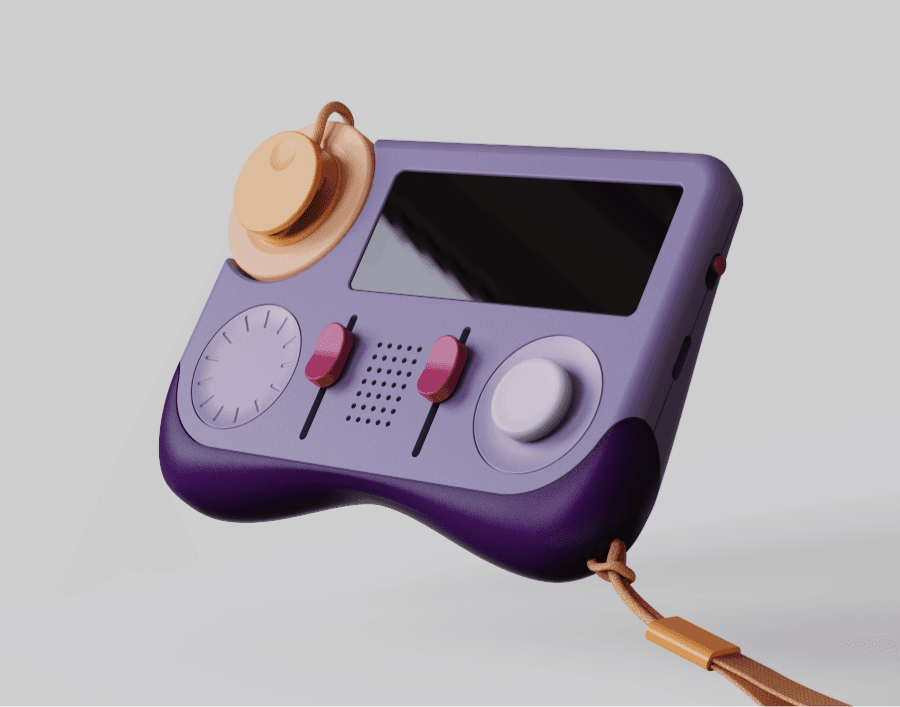
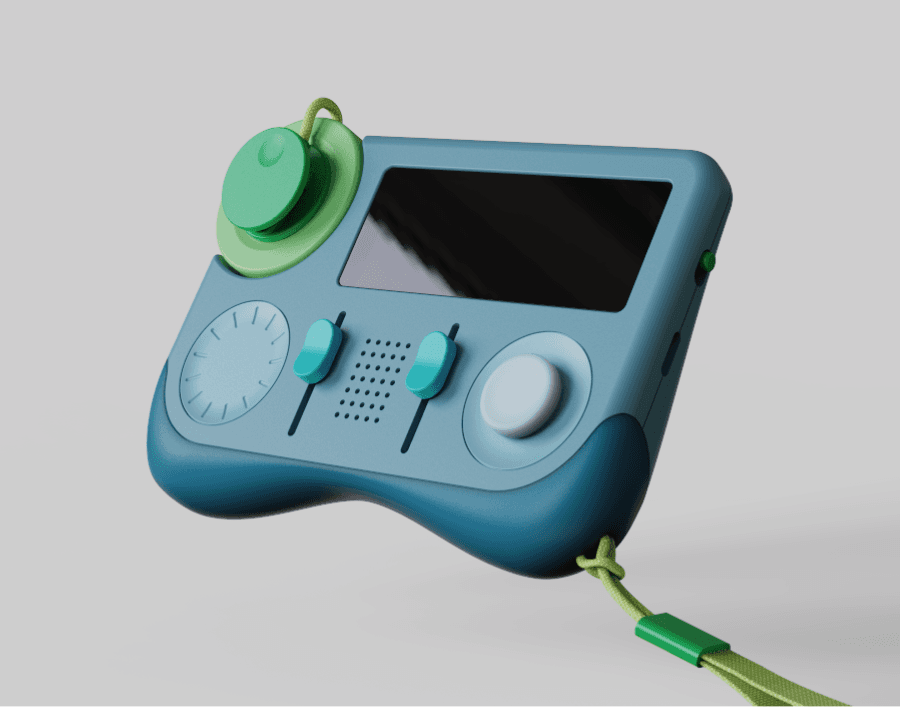
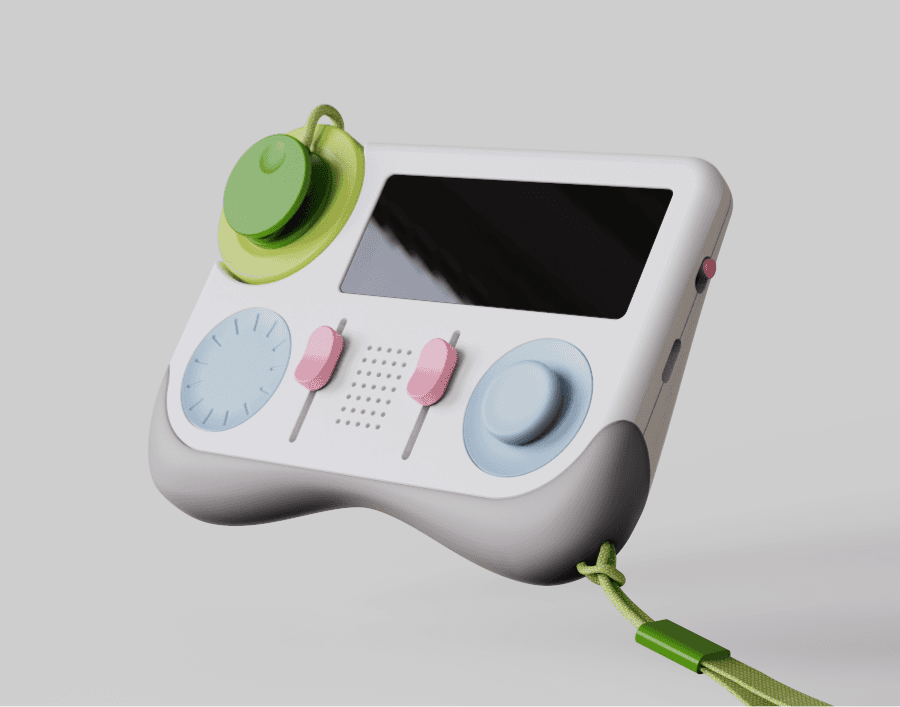
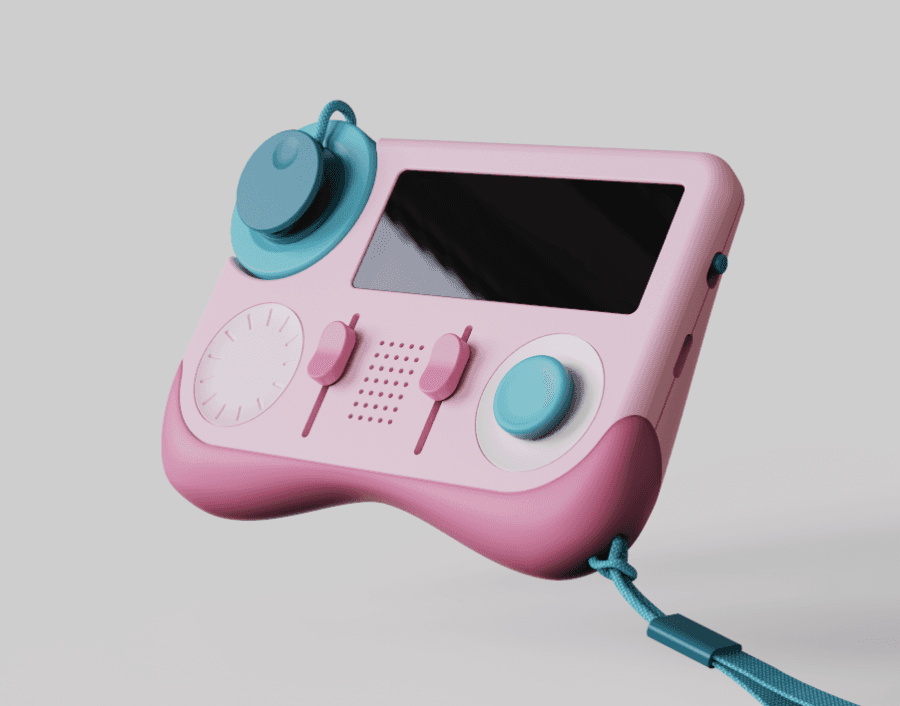
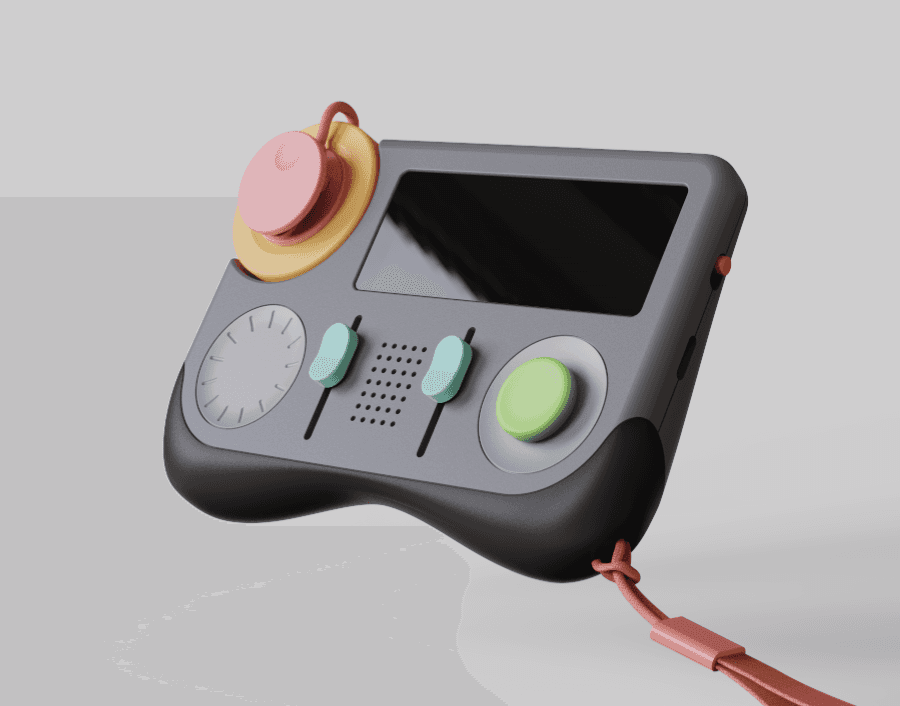
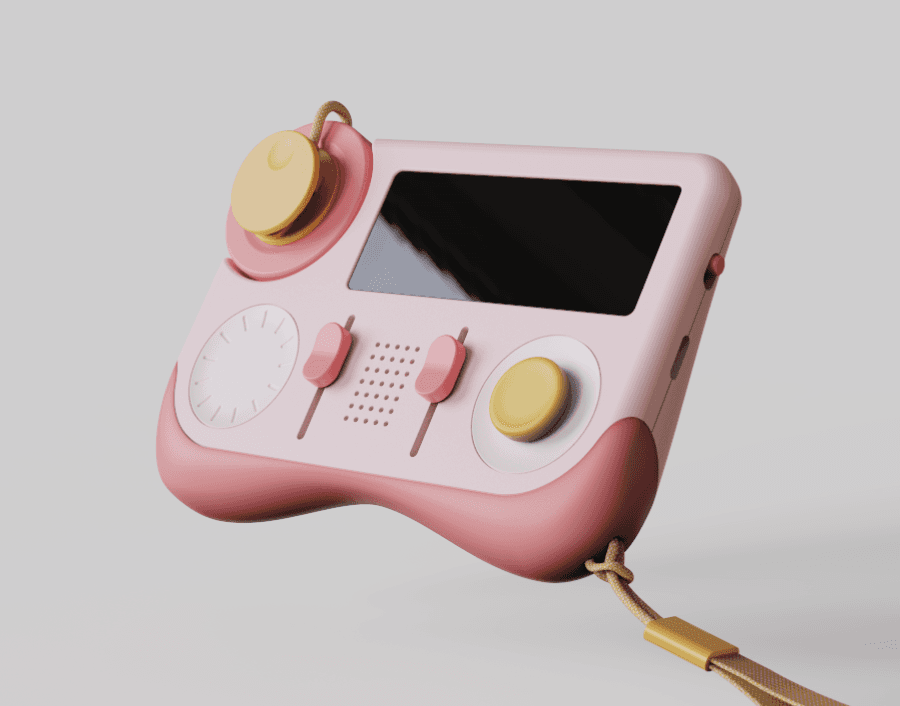
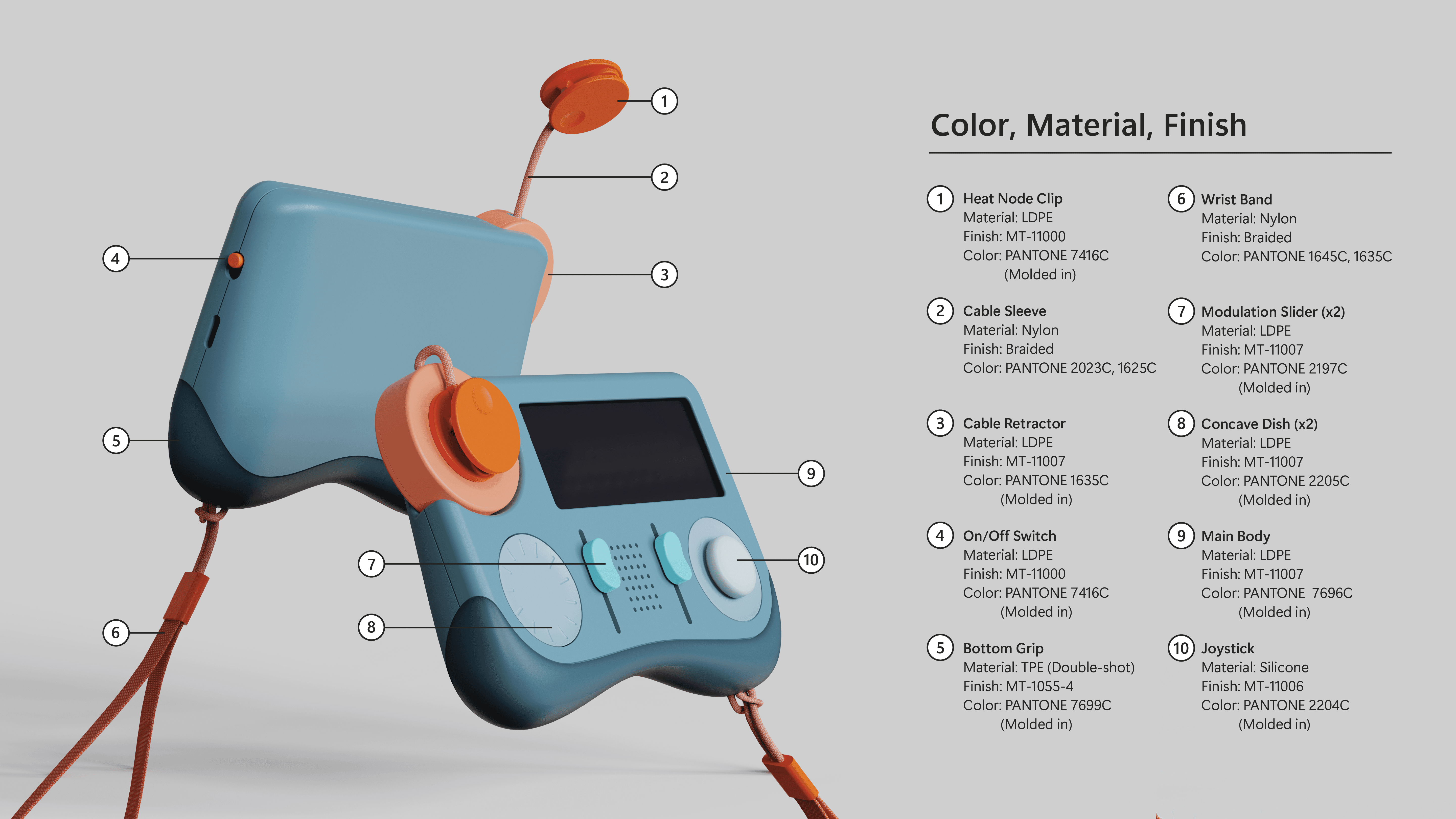
Rounded bottom and back provide comfortable grip
Modulators and controls comfortably reachable from held position
Bottom grip is textured TPE, and wrist band provides additional security
Ergonomics and Comfort
Rounded bottom and back provide comfortable grip
Modulators and controls comfortably reachable from held position
Bottom grip is textured TPE, and wrist band provides additional security